Solved
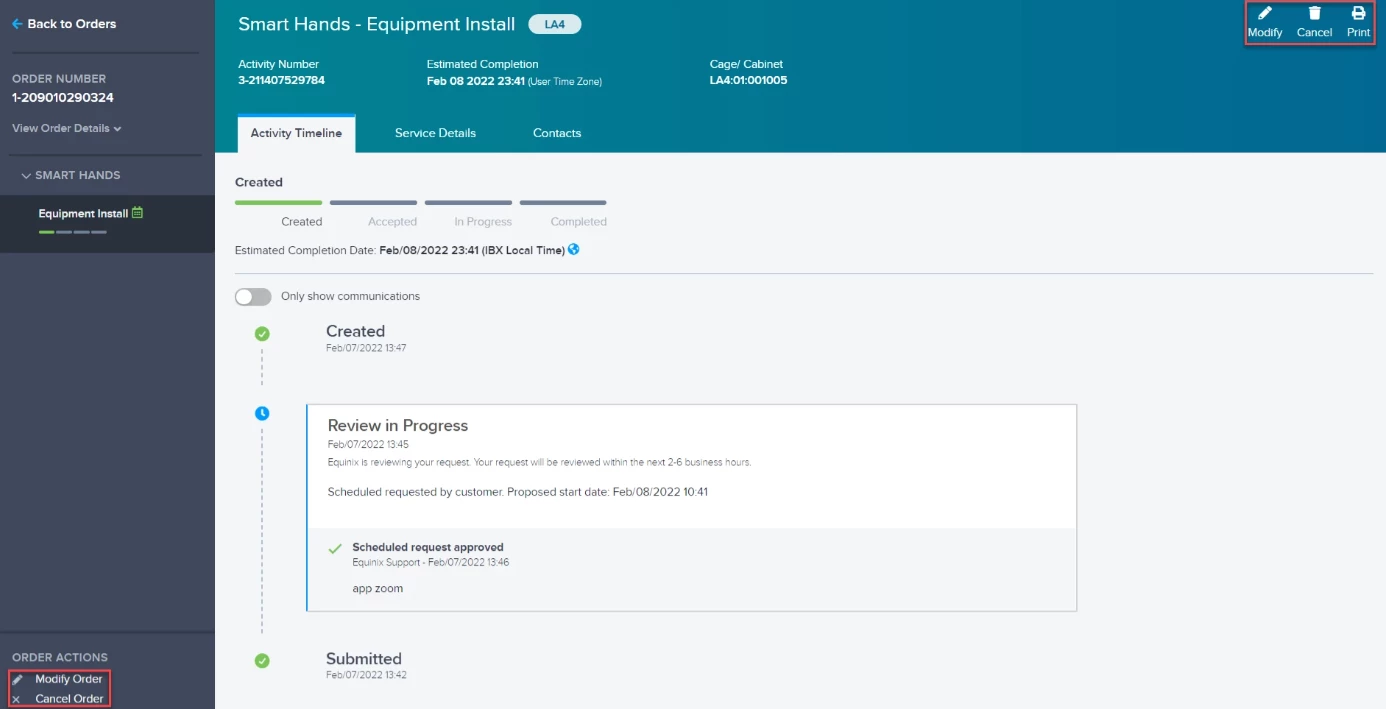
How do I modify or cancel a Smart Hands order?
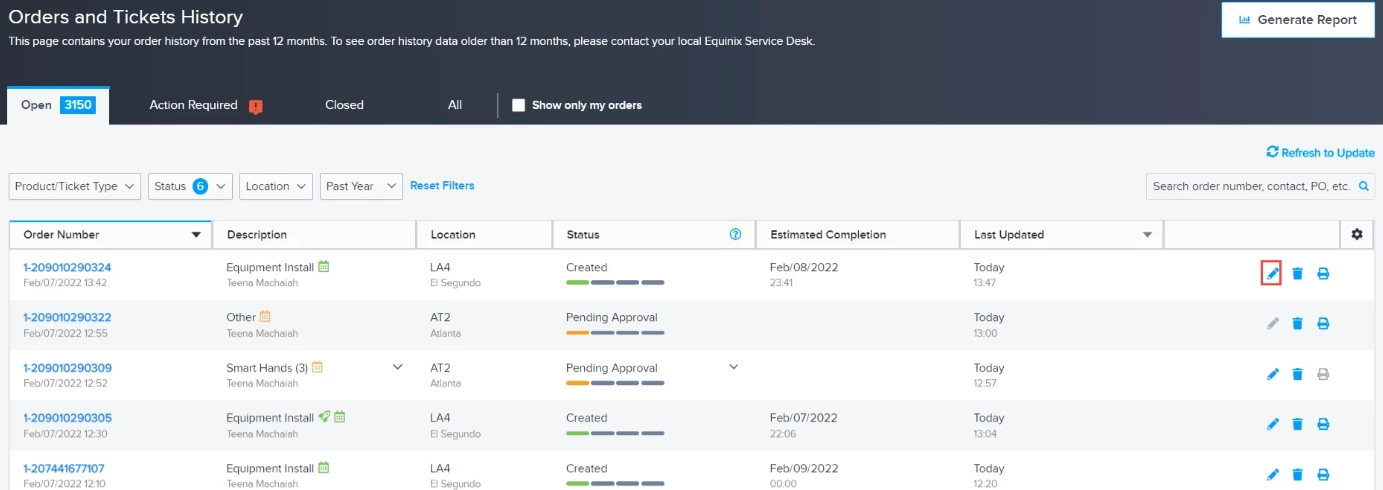
You can view the status of your Smart Hands orders on the Equinix Customer Portal (ECP).
Make changes to an existing order using the pencil icon on the right side of the dashboard.
Enter your E-mail address. We'll send you an e-mail with instructions to reset your password.